Inventory items, weight, and compatibility
Find an item, check the field that changes your carry decision, then open its record without leaving the catalog. Start with a category or search by item, ammunition, map, role, or related weapon.
Match the item to the decision
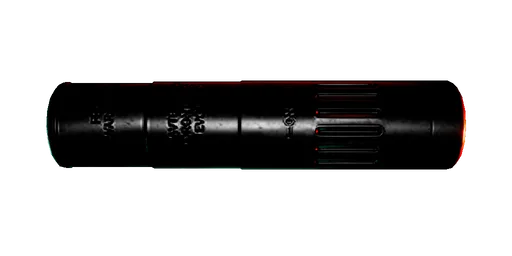
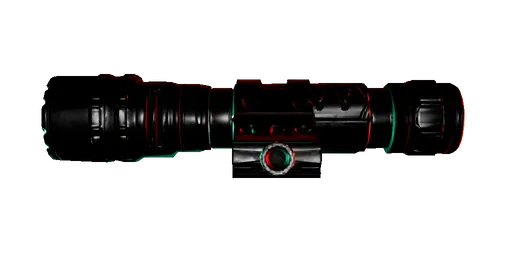
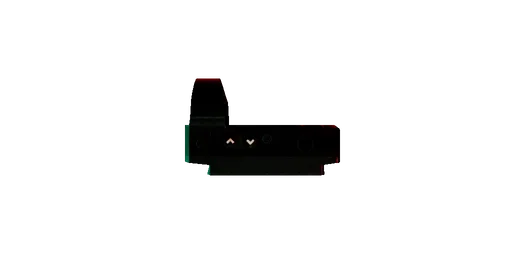
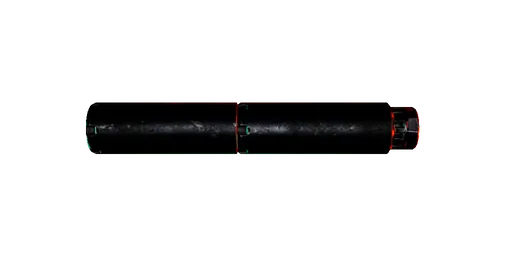
Use Firearms, Ammunition, and Attachments together before keeping a gun. Check weight on items that use in-run capacity. Starting Consumables show their trigger and cost instead. Objective Items show their active maps and carry class.
Decide what to keep, drop, or share from the current team and resource state. Choose when to defend, ready a control, regroup, collect a package, or extract in Survival. Read one Nightmare ammunition and damage record. Choose whether to take Early Extraction or settle carried Supplies at the final exit. Choose the next action after contact leaves someone damaged, downed, or dead. Check the 10 kg limit, Satchel self-weight, skills, and a fixed pickup case. Choose Bandages or a Medkit from current health and held recovery. Keep a stamina reserve across running and Melee contacts. Read movement, gunfire, distraction, and alarm stimulus fields. Choose what to keep when ammunition or capacity is limited. Read how firearm damage, shotgun pellets, and melee contacts are calculated. Check which attachments fit and what each modifier changes. Choose what to do after infection starts. Read the current infection and treatment rules.
One page for every current inventory category
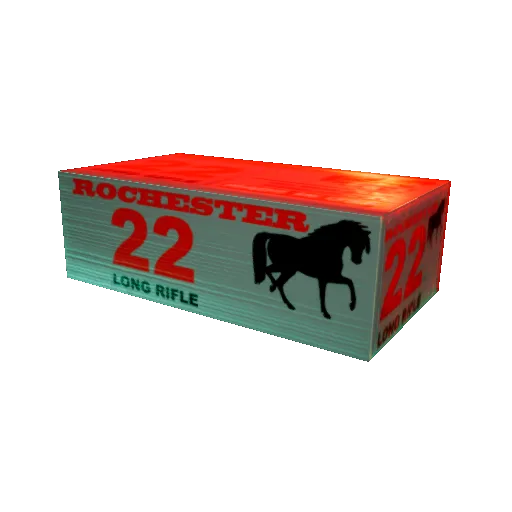
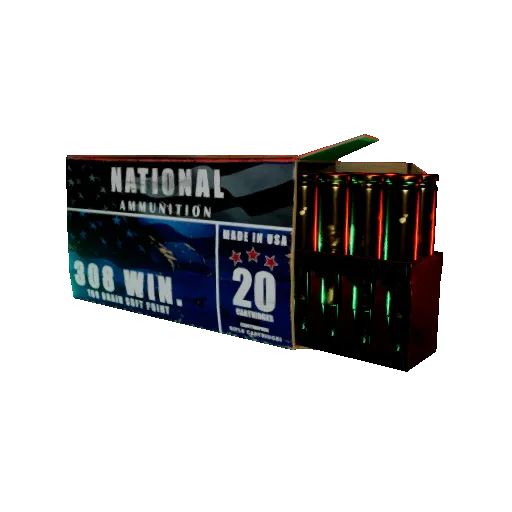
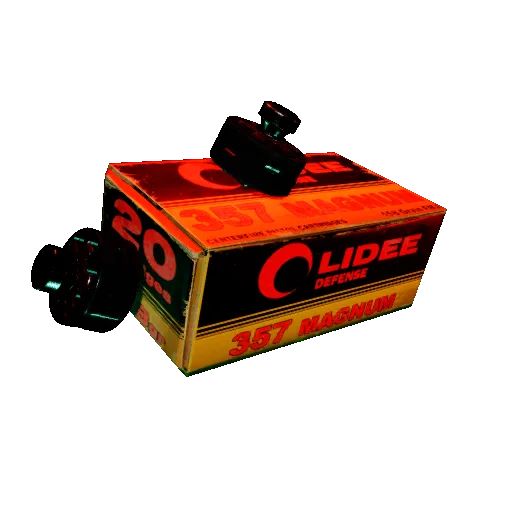
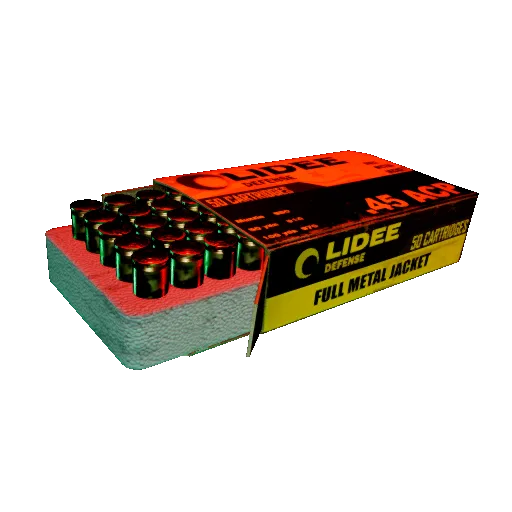
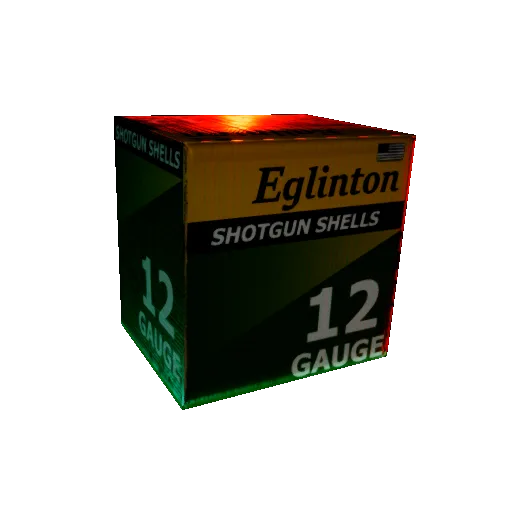
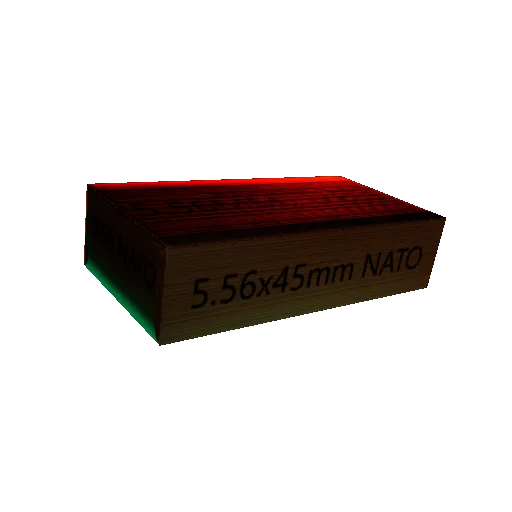
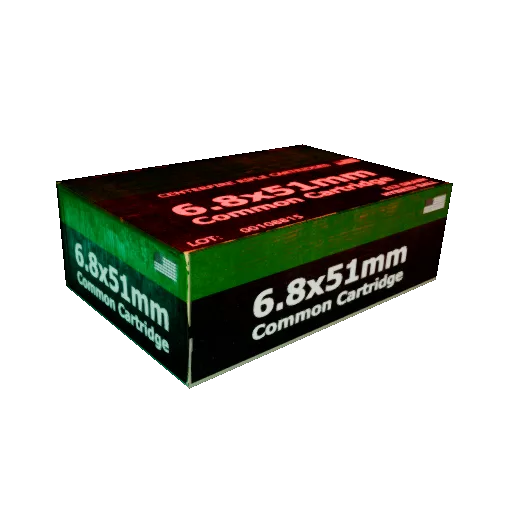
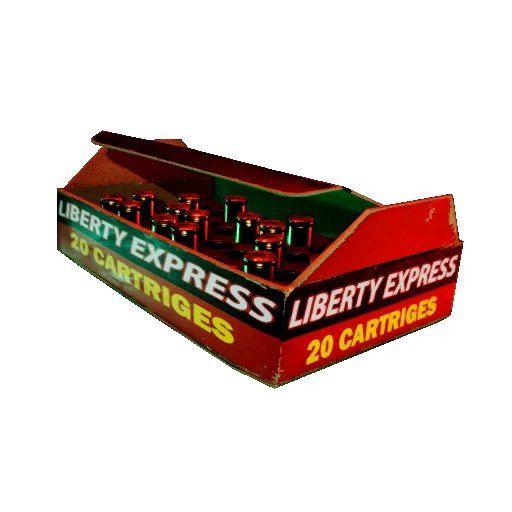
Inspect exact damage, spread, reach, capacity, weight, pickup ranges, and the firearm relationship for each ammunition family.
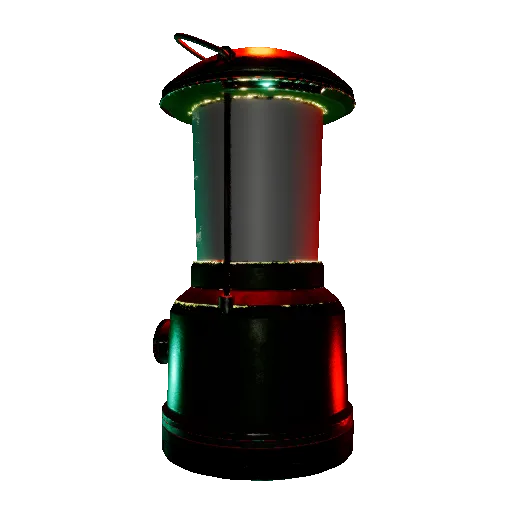
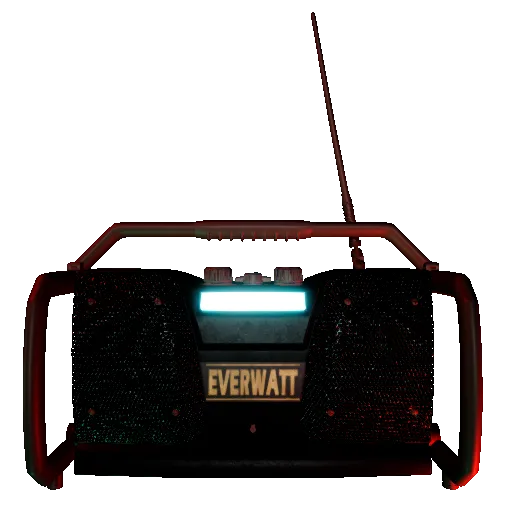
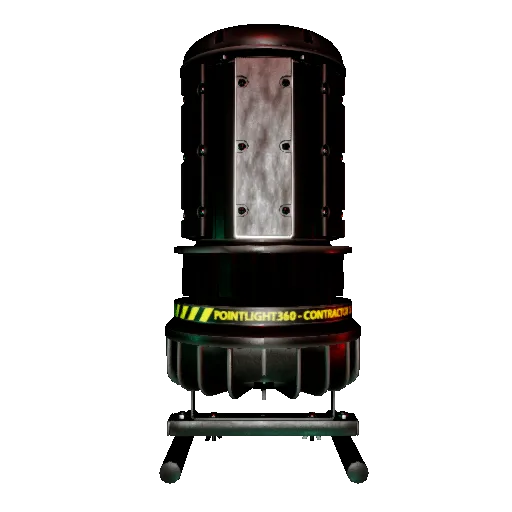
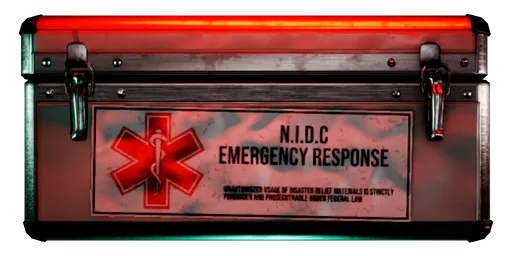
Check healing, infection treatment, deployables, Supply Items, batteries, the Satchel, and the Rescue Beacon with the fields that affect carrying or use.
Browse only items tied to current Objective or Survival maps. Scenario variants with the same player-facing identity stay grouped as one record. Use the Maps query to open the matching map structure, then read the active prompt and branch.
86 inventory records (24 loaded)