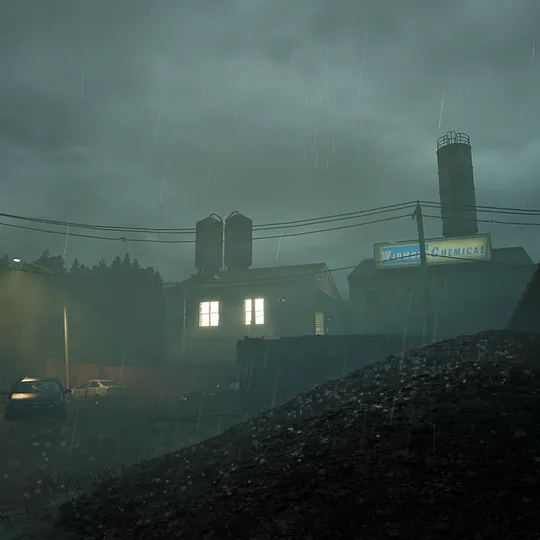
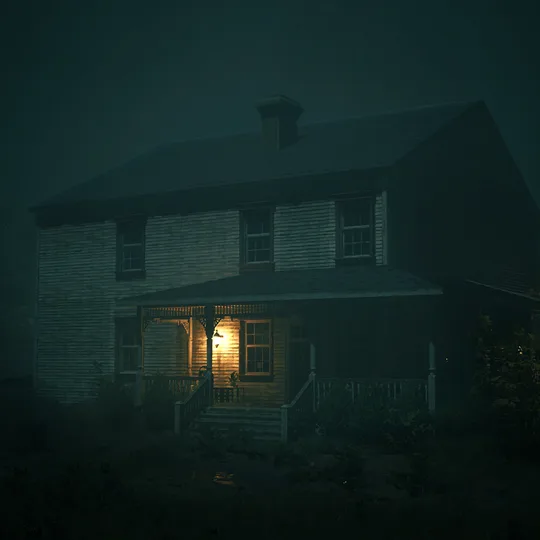
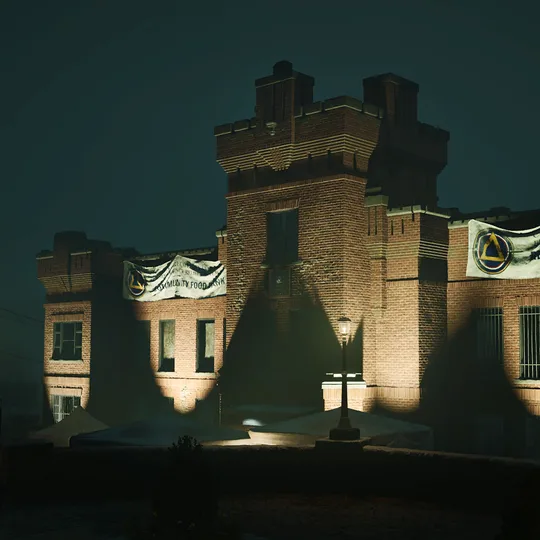
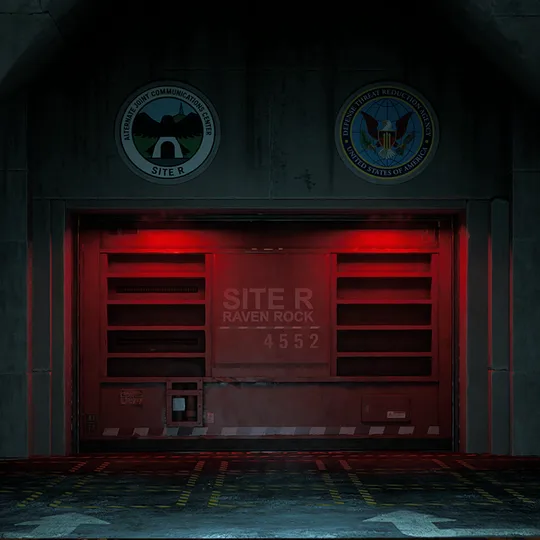
Find the map, mode, task structure, and exit
Start with the map name or game mode. Open one record to see where it can be played, how its current tasks are organized, and which extraction transport entries belong to it.
Use the mode first, then open the named map
Objective maps follow mission prompts and ordered task groups. Survival maps use three defense zones. CRC Training Camp contains the Tutorial and Training Range. Open only the map you are entering so its sessions, task relationship, and exits stay together.
Choose the mode, session, and difficulty. Read the active prompt and branch. Hold the selected Survival zone. Apply the selected Nightmare difficulty record. Continue to the active objective. Choose Early or Final Extraction. Browse current Objective Items. Return to run setup.
One map, one complete run record
Confirm Objective, Survival, or Tutorial, then see whether the map appears in Matchmaking, Private Match, Solo Practice, Tutorial, or Training Range.
Read the Objective phases, zones, scenarios, stages, finale branches, Survival defense zones, or training rooms tied to this map.
Check the current boat, helicopter, train, or fast-rope entries on the selected online map without assuming where one will appear.
10 map records (10 loaded)