Read the live objective in order
Start with the wording that is active now. It is the smallest reliable unit of progress. The map supplies the larger branch, phase, zone, scenario, or stage. A tracked number supplies the finish line only when that target belongs to the active task record.
Use this order:
- Read the exact prompt before leaving the current area.
- Place it in the current map’s named group.
- Complete the interaction or tracked target attached to that task.
- Treat the step as complete only after the active wording changes.
- Read the replacement prompt and place it again before moving.
This order matters most when a map can select another route. A location remembered from an earlier match is not evidence that it is active now. The default is to follow the current prompt and marker. The cost is a short pause after each completion; the alternative is to move early and risk splitting toward a branch the mission did not choose.
Across all six current Objective maps, the mission uses 246 prompt lines. The Maps query identifies the map and its high-level structure. The Objective Items view answers whether a mission item belongs to the map in front of you.
Resolve one current Power Plant prompt
The fixed example uses one Power Plant record. It does not select between maps or prompts.
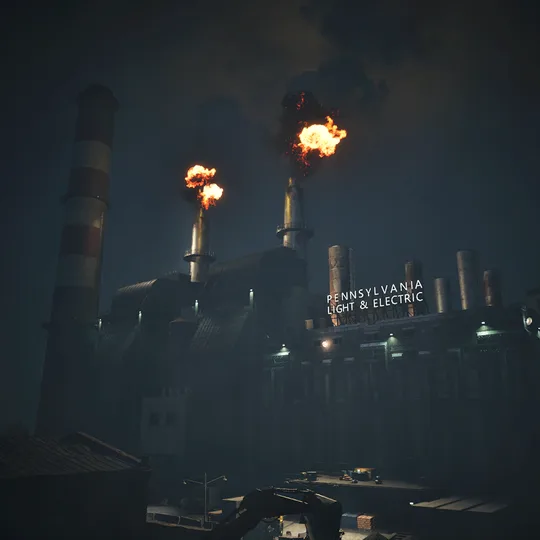
Keep the power going
POWER PLANT · Control room cycle
- Task area
- Control Center
- Required interaction
- The hall has 4 yellow generator consoles. When they halt, the Control Center console requests another command and its 6-digit code. The cycle repeats while this prompt remains.
- Completion signal
- A correct code resumes the generator consoles. The objective prompt changes when the finale is complete.
- Next step
- Stop using the cleared instruction, read the replacement prompt, and resolve its group before moving.
“Keep the power going” belongs to the Control room cycle. Four yellow generator consoles run in the hall. When they halt, the Control Center console asks for another command; read the matching six-digit entry from the codebook and enter it there. A correct code resumes the consoles. Stay with this loop while the same wording remains, and stop using it when the prompt changes.
Other Power Plant wording uses a different action boundary. A parent repair prompt points to its smaller active instruction. Fuse, leak, marked-control, wiring, and final-control prompts require their named interaction. A “Find” machinery prompt requires the matching carryable; its paired “Repair” prompt requires placing that part at the marked slot. Do not turn one action kind into a universal route.
Follow each map’s own structure
Each map below is presented on its own terms. Every entry gives its current groups, prompt total, branch behavior, tracked targets, and closing wording. This is mission order, not a shortest route.
Finale branch
POWER PLANT
3 groups · 23 current prompts- Control room cycleFollow the branch shown this run · 2 promptsClosing wording: Keep the power going
- Infrastructure repairsFollow the branch shown this run · 15 promptsClosing wording: Restart the conveyor / Restart main fan / Restart the bucket wheel
- Machinery partsFollow the branch shown this run · 6 promptsClosing wording: Repair Condensers / Repair Ventilators / Repair Valves
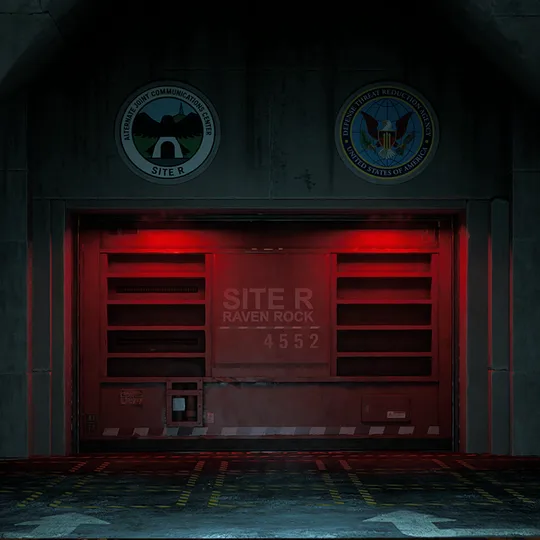
Objective phase
RAVEN ROCK
10 groups · 37 current prompts- Bunker entranceUse the active prompt for this group · 5 promptsShared approachClosing wording: Open the Blast Door
- Elevator accessUse the active prompt for this group · 2 promptsShared approachClosing wording: Move deeper into Raven Rock
- Power StationUse the active prompt for this group · 4 promptsShared approachClosing wording: Activate the Power Station
- VIP Living QuartersUse the active prompt for this group · 5 promptsInterior routeClosing wording: End Lockdown
- Reservoir TunnelUse the active prompt for this group · 2 promptsInterior routeClosing wording: Use Valves to Redirect Pressure
- Ventilation SystemUse the active prompt for this group · 2 promptsInterior routeClosing wording: Restart Ventilation System
- Central CommandUse the active prompt for this group · 6 promptsCommand sequenceClosing wording: Enter the Expansion Tunnel
- Survivor outcomeFollow the branch shown this run · 1 promptsOutcome branchClosing wording: Reach the Survivor
- Train exitFollow the branch shown this run · 6 promptsTrain branchClosing wording: Holdout until Train is Ready
- Surface exitFollow the branch shown this run · 4 promptsHelicopter branchClosing wording: Activate the Antenna
Raven Rock begins on a shared approach, moves through its interior and command sequence, then enters the recorded outcome and extraction branches. Follow the route label attached to the active phase. Do not assume the train or surface family before its prompt appears.
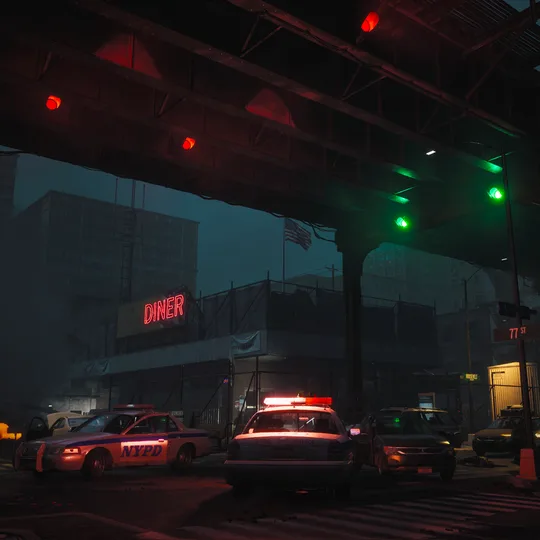
Mission zone
BROADWAY
5 groups · 63 current prompts- EntryThe active location can change between runs · 5 promptsClosing wording: Unlock Back Door / Pass Through Sewers / Pass Through Checkpoint
- Blue ZoneFixed group · 11 promptsClosing wording: Confirm File Uploads
- Purple ZoneThe active location can change between runs · 20 promptsClosing wording: Exit Through 2nd Floor Door / Exit Through 2nd floor Door / Secure Grocery Store
- Yellow ZoneThe active location can change between runs · 14 promptsClosing wording: Detonate C4 / Detonate C4 / Pass through Subway Tunnels
- Red ZoneThe active location can change between runs · 13 promptsClosing wording: Get on the Extraction Train / Get on the CRC Helicopter
Tracked targets for this map: Hard drives 3 · First-floor doors 4 · First-floor windows 2 · First-floor doors 4 · First-floor windows 2 · First-floor doors 4 · First-floor windows 4 · C4 placements 4 · Security panels 3 · Rail power transfer units 4 · Rail power switches 2
Broadway records random selection in Entry, Purple, Yellow, and Red, with Blue fixed around the CRC Safe Zone. Finish the selected location’s own wording and counters. Do not search every possible building in the zone.
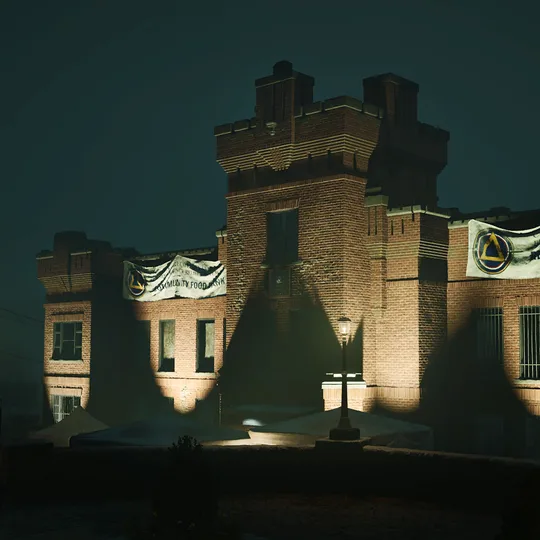
Mission scenario
POTTSVILLE
3 groups · 45 current prompts- Scenario 1Follow the branch shown this run · 35 promptsRescue and researchClosing wording: Turn on Power / Turn on Power / Turn on Power / Assist with Survivor Evacuation / Open the Gate / Collect the Research / Search Stores for Scientist / Collect Water Samples / Upload the Data
- Scenario 2Follow the branch shown this run · 7 promptsVariant suppressionClosing wording: Ignite Body Piles / Find a way through the Community Center / Stoke the Bonfire / Align City Hall Signal Arrays
- Both scenariosFixed group · 3 promptsShared mission stageClosing wording: Get on the CRC helicopter
Tracked targets for this map: Neighborhood sites 3 · CRC body search target 2 (1 completion conditions) · Transformer progress target 2 (1 completion conditions) · Power-on progress target 2 (1 completion conditions) · Power conduit target 2 (1 completion conditions) · Main power progress target 2 (1 completion conditions) · CRC body search target 2 (1 completion conditions) · Transformer progress target 2 (1 completion conditions) · Power-on progress target 2 (1 completion conditions) · Aggregate research target 50 (2 completion conditions) · Research drives 4 · Water samples 2 · Laptop upload steps 2 · Alternate transmission steps 2 · Midtown body piles 5 · Green Grove bonfire target 10 (1 completion conditions) · Shady Pines bonfire target 10 (1 completion conditions) · Bank signal arrays 3 · City Hall signal arrays 3
Pottsville separates two scenario branches from the shared extraction stage. Keep a four-drive research target separate from the 50-point aggregate research target and the two-sample water target. Equal subject matter does not make those counters interchangeable.
Objective stage
BEAULIEU HOSPITAL
5 groups · 31 current prompts- Patient FilesUse the active prompt for this group · 12 promptsOpen all three Patient File terminalsClosing wording: Access Administration Wing Patient Files / Access North Wing Patient Files / Access South Wing Patient Files
- Ward samplesUse the active prompt for this group · 4 promptsSearch the active wards for matching samplesClosing wording: Search ER Ward (1) for Samples / Search ICU Ward (2) for Samples / Search Imaging Ward (3) for Samples / Search Rehabilitation Ward (4) for Samples
- Quarantine accessUse the active prompt for this group · 4 promptsRestore ventilation and clear the late lockdownClosing wording: Wait for Ventilation to Complete / Unlock Morgue
- Bio ScannersUse the active prompt for this group · 9 promptsRun the three room-specific scanner sequencesClosing wording: Collect Laboratory Sample / Collect Autopsy Room Sample / Collect Cold Room Sample
- ExtractionUse the active prompt for this group · 2 promptsFollow the active roof or Courtyard exitClosing wording: Extract on Morgue Wing Roof / Extract in Courtyard
Tracked targets for this map: Security nodes 4 (1 completion conditions) · Security nodes 4 (1 completion conditions) · Security nodes 4 (1 completion conditions) · Tracked samples 2 (1 completion conditions) · Tracked samples 2 (1 completion conditions) · Tracked samples 2 (1 completion conditions) · Tracked samples 2 (1 completion conditions) · Filter replacements 4 (1 completion conditions) · Late security lockdown points 2
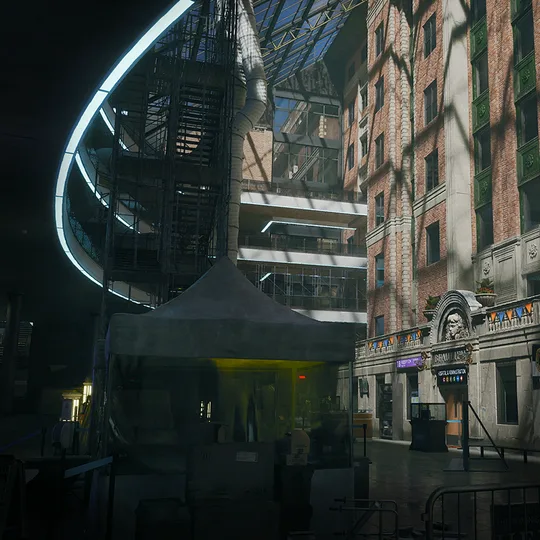
Beaulieu Hospital orders Patient Files, ward samples, quarantine access, Bio Scanners, and extraction. The active wing or ward matters. A counter from Administration does not complete North or South, and one ward’s samples do not stand in for another named ward.
Objective stage
LEWISTON
8 groups · 47 current prompts- Scenario 1 storesFollow the branch shown this run · 5 promptsComplete the selected medicine and repair-tool searchesClosing wording: Search Convenience Store for Medicine / Search Pharmacy for Medicine / Search Pawn Shop for Tools / Search Sporting Goods Store for Tools / Search Hardware Store for Tools
- Scenario 1 access codeFollow the branch shown this run · 3 promptsSearch the selected Catacombs or Food Storage routeClosing wording: Search HERA Bodies for Access Code / Override freezer locks
- Scenario 1 researchFollow the branch shown this run · 7 promptsRecover the selected research recordsClosing wording: Search Chapel for Research Drives / Search Church for Research Drives / Search Funeral Home for Research Drives / Take Research
- Scenario 1 finaleFollow the branch shown this run · 19 promptsPrepare the selected Boat House or Train Yard extractionClosing wording: Wait for Boat Engine to Start / Wait for Train Engine to Prime
- Scenario 2 arraysFollow the branch shown this run · 3 promptsActivate the selected communications arrayClosing wording: Activate Chapel Array / Activate Church Array / Activate Funeral Home Array
- Scenario 2 CatacombsFollow the branch shown this run · 7 promptsRepair both colored power routes and activate the unitClosing wording: Activate Cataomb Power Unit
- Scenario 2 demolitionFollow the branch shown this run · 2 promptsCollect and place the Food Storage explosivesClosing wording: Place C4 on Structural Supports
- Lewiston extractionFixed group · 1 promptsFollow the active extraction promptClosing wording: Help the last survivors in the city escape to safety
Tracked targets for this map: HERA bodies 3 (1 completion conditions) · HERA bodies 3 (1 completion conditions) · Research Drives 2 (1 completion conditions) · Research Drives 2 (1 completion conditions) · Research Drives 2 (1 completion conditions) · Research Drives 4 (1 completion conditions) · Water-pump preparation target 3 (1 completion conditions) · Power completion points 2 · Engine-start completion points 2 · Railroad Spike uses 6 (3 completion conditions) · Yellow power cables 4 · Blue power cables 4 · C4 charges 6 · Structural supports 6
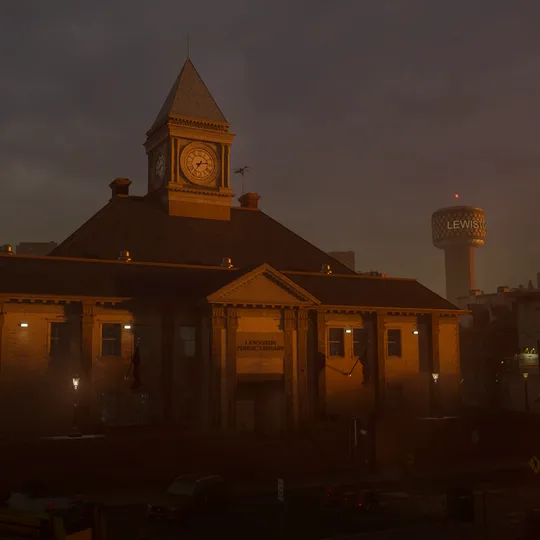
Lewiston records two scenario families and a shared extraction. Several stages contain selected locations. Stay with the named store, access-code site, research site, array, or finale that the current wording identifies; the other records describe branches that may not be active in this run.
Handle counters and random branches
A counter belongs to its task, not to every prompt with similar words. Read the label and value together. For example, “Research drives 4” and “Aggregate research target 50” are distinct Pottsville targets. Broadway’s “First-floor windows 2” at the Medical Clinic is not the Grocery Store’s value of 4. Lewiston keeps Railroad Spike uses separate from its completion-condition count; both are shown without guessing how each use advances it.
When the active branch can vary, the live prompt wins. Do not complete all listed alternatives, apply a counter from another location, or infer an unshown probability. When a closing line clears, read the replacement wording before assuming that the next listed group is active; the branch shown in this run can lead elsewhere.
Recover when progress stalls
If the wording has not changed, use the active task as the diagnostic boundary:
- Re-read the exact verb and named area. “Find,” “place,” “repair,” “activate,” “wait,” and “extract” do not describe the same completion event.
- Check the current task’s visible target. Continue only that counter; do not borrow a total from another branch or location.
- For a carry step, confirm that the matching Objective Item reached the marked interaction. Finding the item and placing it are separate Power Plant prompt families.
- If the team split, regroup at the active objective rather than starting another listed branch. The beginner deployment guide covers markers, orientation, and the squad fallback.
- After the prompt clears, stop repeating the old interaction. Read the replacement line before moving to extraction or another task area.
If none of those checks changes the objective, the current prompt and visible target do not reveal a hidden prerequisite or workaround. Keep the live marker and wording as the boundary instead of inventing a route.
Keep unknowns out of the route
These rules cover current prompt membership, group order, branch behavior, task counters, Power Plant interaction kinds, and the transition signaled by replacement wording. They do not publish map coordinates, shortest routes, item spawn positions, random-selection probabilities, unstated trigger radii, interaction timing, or enemy behavior.
Where the map provides an order, it describes that part of the mission sequence. Finale, scenario, and exit groups can instead be alternatives. Neither case is permission to skip the active prompt. A closing line identifies the end of a task or group, but only the next live prompt proves what the current run selected afterward.
Use Maps for one map’s sessions, task structure, and extraction transport. Use Objective Items for one carried or placed record. Once the final objective is complete, choose Early or Final Extraction from the live exit state rather than treating an objective branch as the exit itself.
These records and rules are current for Hotfix 1.0.4.0. The page was checked on September 3, 2026.